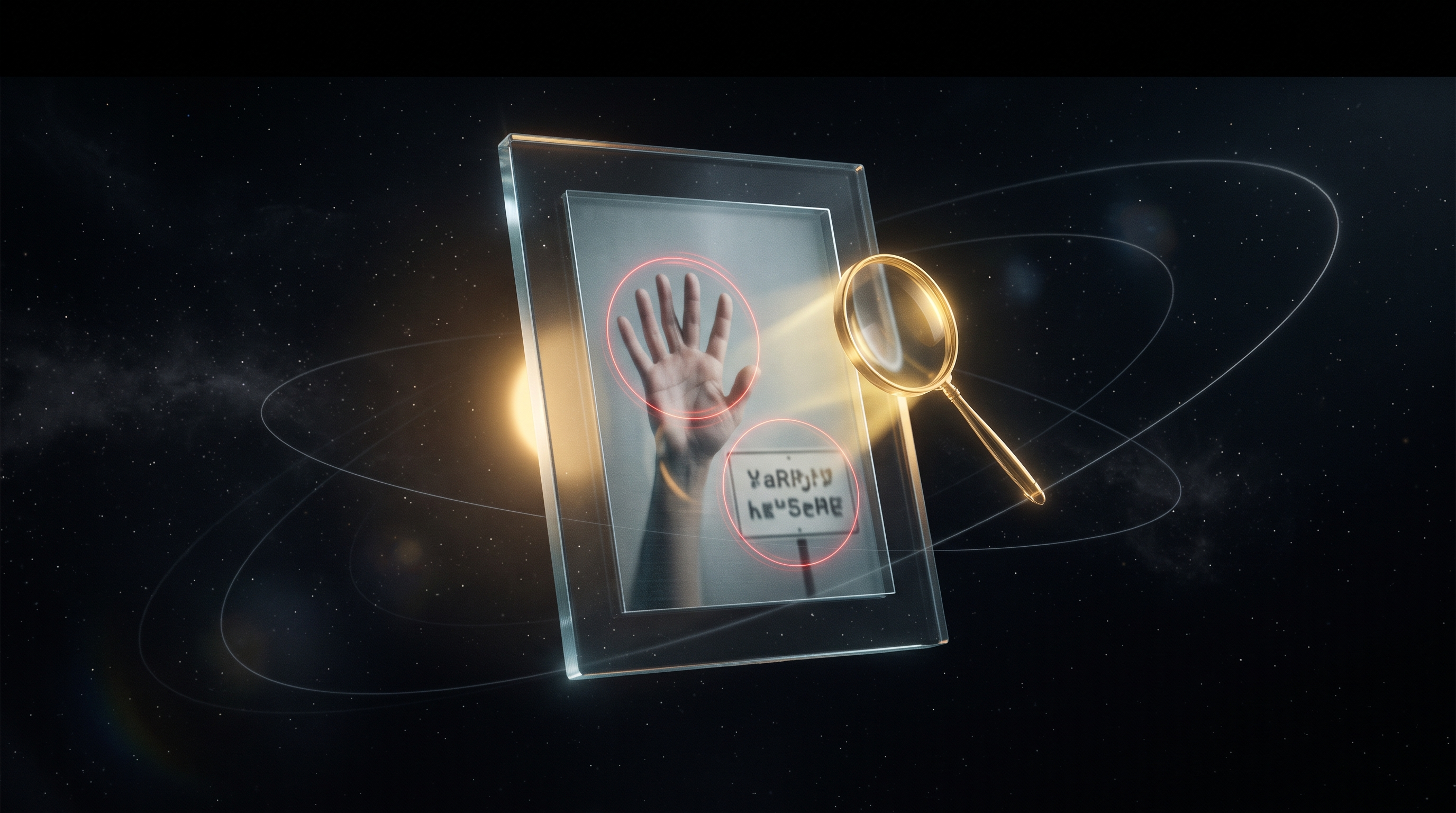
You generated a clip that looked great for three seconds. Then a hand grew a sixth finger, the sign in the background turned to soup, and the host's mouth stopped matching the words. If you make videos with AI, you already know the tools are impressive and unreliable at the same time. This post is our honest list of what still goes wrong across our four shows, and the workarounds that actually hold up.
Why an honest list matters
AI marketing shows the best take out of many. Your channel shows every take you publish. The gap between those two is where most creators lose trust in the tools, or worse, lose trust with their audience.
We'd rather name the weak spots up front. Once you know where AI fails, you can plan around it at the script and shot-list stage instead of fixing it in the edit.
1. Hands and fine physical detail
Hands are better than they were, but they still slip. Fingers merge, grips float, and objects pass through palms. Independent reviews of 2026 video tools still flag hand gestures, fabric, fluids and hair as common failure points.
How we work around it:
- Keep hands out of the hero frame when they don't matter.
- Give hands one simple job, like "resting on the railing," not "typing while gesturing."
- Use stills with slow camera moves for shots where hands must be visible.
A man talks excitedly, waving his hands, picks up a mug, and points at the map.
Slow push-in on a rugged man in a field jacket standing at a stone railing, both hands resting still on the rail, looking out over a lit cavern. One action: he turns his head toward camera. 35mm, warm practical light, documentary mood. 5 seconds.
The strong version gives one action and parks the hands. That's the 6-part shot formula doing its job.
2. On-screen text
Signs, labels, screens and documents still come out garbled more often than not. Some image models handle short words well now. Video models are less dependable, especially once the camera moves.
How we work around it:
- Never ask the video model for important text. Add titles, labels and captions in the edit.
- If a scene needs a sign, prompt it as "a blank sign" and add the words later.
- For After Dark, we lean into it. Unreadable labels on a recovered tape feel right in analog horror, as long as nothing story-critical depends on them.
A worn VHS tape lying on a metal desk, blank white label with no writing, harsh overhead fluorescent light, grainy 1990s security-camera look, slight red tint. No text anywhere in the image.
3. Lip-sync drift
Lip-sync is the problem we've spent the most time on. Mouths fall behind the audio, especially on long takes, fast speech or emotional delivery.
On Life Inside, we found Seedance 2.0 unreliable for precise lip-sync. Wan 2.7 gave tighter sync at much lower cost, so it's now our standard for every talking shot. Seedance only does silent B-roll.
How we work around it:
- Keep talking shots short. Split long lines into two or three shots.
- Match video length to the audio length for that line.
- Generate talking shots at higher resolution, which reduces visible drift.
- Cut away to B-roll mid-line if one section slips.
4. Character drift
Your host has a field jacket in shot one and a hoodie in shot four. Hair color shifts. A face gets slightly younger. Models don't remember who your character is between generations unless you tell them every time.
How we work around it:
- Save each host as a reference character with a character sheet. Cole Mercer and Maya Reid both live in Higgsfield this way.
- Paste the same short description into every prompt. Don't paraphrase it.
- Generate a key image first, then animate it. It's much easier to keep a look consistent from a still.
Maya walks through the underwater habitat.
Reference character: Maya Reid. Woman, early 30s, shoulder-length auburn hair, charcoal jacket over a dark grey top. Tracking shot as she walks slowly along a glass corridor in an underwater habitat, blue-green light from the ocean outside, fish passing. One action: she glances at the glass. Documentary style, 24mm, soft cool light.
We cover this in depth in consistent AI characters.
5. Voices buried under effects
This one is on us, not the model. On After Dark, a lot of audio is supposed to sound like radio dispatch, static and old tape. It's easy to push the effect so far that viewers can't understand the words.
AI voices also make this worse in a quiet way. A clean ElevenLabs read can sound fine alone, then vanish once static, music and room tone sit on top.
How we work around it:
- Do a "studio quality" polish pass on every voice first: EQ, de-essing, compression, loudness normalization.
- Add radio or static effects to a copy of the voice track, then blend it with the clean version.
- Duck the music under every line.
- Listen once on phone speakers before export.
6. Confident factual errors in scripts
Language models fill gaps with the most likely-sounding answer. Most of the time that's fine. Sometimes it's a stat, date, name or rule that sounds right and is wrong, stated with total confidence.
This matters most for Quantum Wealth OS, our finance-education show, and for anything ILFS says about real football rules. A wrong number in a money video costs trust fast.
How we work around it:
- Ask Claude to flag every factual claim in a script as a list.
- Check each claim against a real source, or cut it.
- Tell the model it's allowed to say "I don't know."
Here is my script. List every factual claim in it: numbers, dates, names, rules, laws, prices, and statements about how something works. For each one, say how confident you are and what kind of source would confirm it. Do not rewrite the script. If a claim is vague enough that it can't be checked, say so.
7. Generic writing
Ask for "a script about living inside a mountain" and you'll get the average of every script about mountains. Openers like "Imagine a world where..." Phrases that sound like a brochure. It's not wrong, just flat.
How we work around it:
- Give the model your show's voice rules, banned phrases and a sample of writing you like.
- Ask for specifics: one sensory detail per scene, one concrete fact per minute.
- Edit the first draft hard. Then ask for a second pass that only cuts.
Write a script for a video about people living inside a mountain.
You're writing narration for Life Inside, a documentary-style show touring hidden places people live. Host: Cole Mercer, calm, dry, curious, never hypes. Episode: Inside the Mountain. Write a 90-second cold open. Rules: no "imagine," no "journey," no rhetorical questions. Open on one physical detail he notices first. Short sentences. Each paragraph should be speakable in under 8 seconds. Mark each line with the shot it plays over.
For more on this, see using Claude as a scriptwriter without sounding like AI.
Quick reference table
| Problem | Where it hits | Our workaround |
|---|---|---|
| Hands | Close-ups, action | Park hands, one action per shot |
| On-screen text | Signs, screens, labels | Add text in the edit |
| Lip-sync drift | Talking shots | Wan 2.7, short shots, match length to audio |
| Character drift | Multi-shot scenes | Reference characters, same description every time |
| Buried voices | Radio and static effects | Polish first, blend clean and effected tracks |
| Factual errors | Scripts | List claims, verify or cut |
| Generic writing | Scripts | Voice rules, specifics, hard edits |
What doesn't work
A few habits we dropped:
- Regenerating until it's perfect. If three tries fail, change the shot, not the seed.
- Longer prompts as a fix. Clarity beats length. One action per shot beats five adjectives.
- Trusting the preview. Small previews hide drift and garbled text. Check at full size.
What's next
Most of these problems get caught before a viewer sees them if you check the right things in the right order. Our AI video QA checklist shows how we have Claude review scripts, transcripts and shot lists before anyone watches a full cut. And when a new model version changes how your prompts behave, keep a prompt changelog.