You generated forty clips, six voice takes and three music tracks. Now they sit in your downloads folder with names like video_8f3a2c.mp4 and final_FINAL_v2.mp3. You can't find shot 14, and neither can any AI you ask for help. The fix is boring and it works: a fixed folder structure, a naming rule, and one text file at the top that explains the project.
Why AI needs a tidy folder more than you do
You can squint at a thumbnail and remember "that's the cave shot." Claude can't. When Claude works inside a folder on your computer, it reads file names, folder names and text files. That is most of what it knows about your project.
So a clear structure isn't about being neat. It's the context Claude uses to make good decisions. Good names mean Claude can match voice line 07 to shot 07 without guessing.
A messy folder causes the same problem as a vague prompt. The AI fills the gaps with its best guess, and its best guess is often wrong.
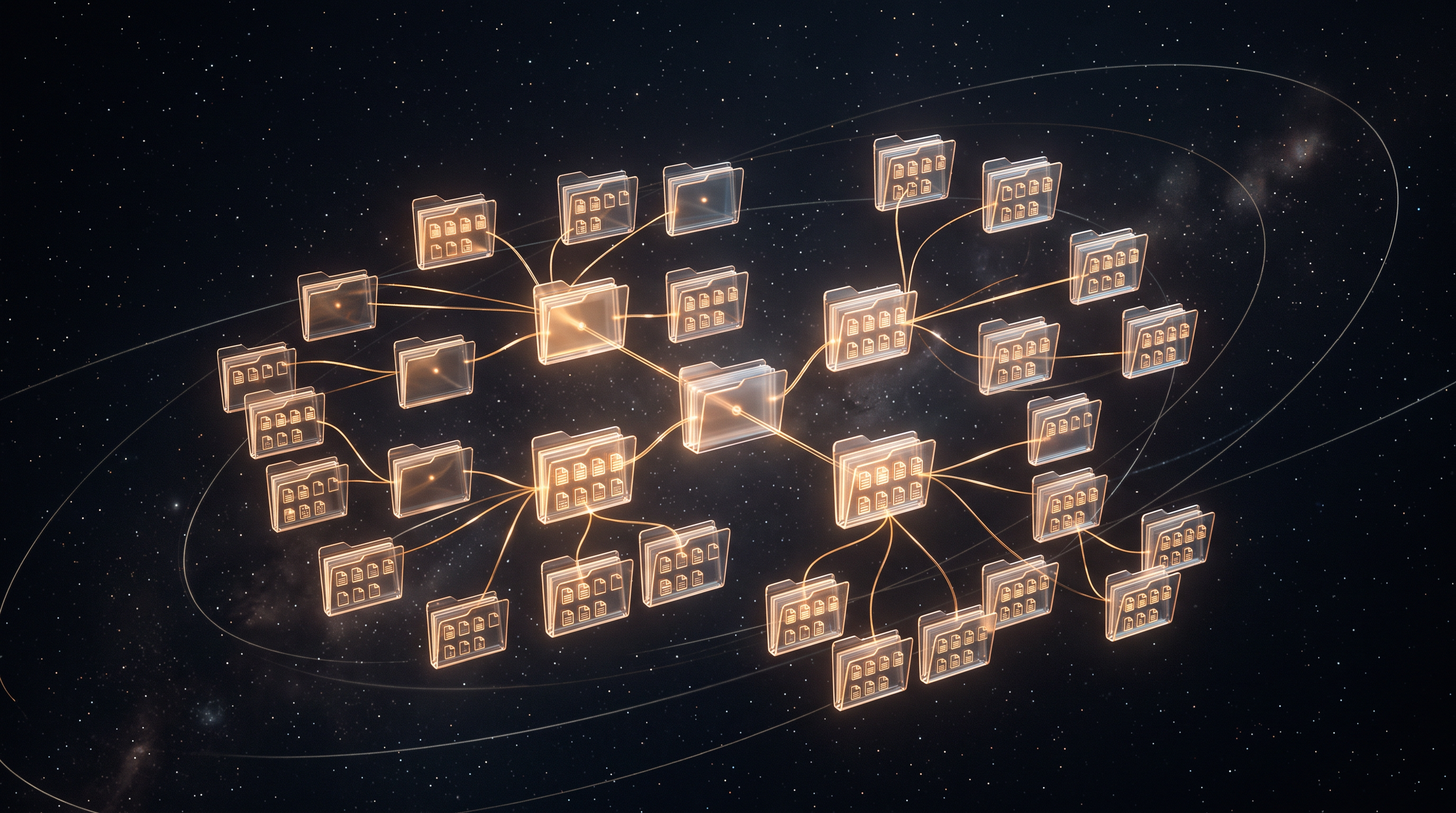
The folder tree we use
Every show gets its own folder. Every episode gets its own folder inside that. Each episode folder has the same subfolders in the same order, every time.
LifeInside/
├── 00_SHOW_BIBLE.md
├── _shared/
│   ├── characters/        # reference sheets for recurring hosts
│   ├── music/             # signature tracks reused across episodes
│   ├── logos/
│   └── fonts/
└── EP01_inside-the-mountain/
    ├── README.md
    ├── 01_script/
    ├── 02_voice/
    ├── 03_music/
    ├── 04_stills/
    ├── 05_clips/
    ├── 06_edit/
    ├── 07_exports/
    └── 99_archive/
        └── originals/     # untouched downloads, never edited
The numbers in front of each folder keep them in pipeline order. Script comes before voice, voice before clips, clips before the edit. When you open the folder, it reads like the production steps.
What goes where
| Folder | What lives here |
|---|---|
01_script | Script drafts, shot list, prompt sheet |
02_voice | Final voice lines, one file per line |
03_music | Music and sound effects for this episode |
04_stills | Key images you'll animate or use with camera moves |
05_clips | Generated video clips you plan to use |
06_edit | Project files and assembly notes |
07_exports | Finished renders: long-form, Shorts, thumbnails |
99_archive | Rejected takes and the untouched originals |
The _shared folder holds anything used across episodes. For Life Inside, that's the host reference sheets for Cole Mercer and Maya Reid. For After Dark, it's the two signature music tracks every series reuses.
A file naming rule that sorts itself
The goal is simple. Sort by name, and the files line up in the order they appear in the video.
Our pattern:
EP01_S07_cave-entrance_v2.mp4
EP01_S07_line_cole_v1.mp3
EP01_S07_still_cave-entrance_v1.png
That's episode, shot number, short description, then version. Some rules that make it work:
- Pad numbers with zeros.
S07notS7. Otherwise S10 sorts before S2. - Match shot numbers across folders. Shot 07's still, clip and voice line all carry
S07. That's how Claude knows they belong together. - Use hyphens inside a description, underscores between parts. It keeps the parts easy to split.
- No spaces, no "final". "Final" is never final. Use version numbers.
- Lowercase descriptions. Fewer mismatches when something searches for a name.
For a show like ILFS, which uses tag syntax like @QB1 in its production bible, we keep the tags out of file names. Symbols in file names cause trouble across apps. The shot number links back to the script, and the script holds the tags.
The README at the top of every episode
This is the most useful file in the folder. It's a short text file that tells anyone, human or AI, what this episode is and what state it's in.
# EP01 — Inside the Mountain

Show: Life Inside
Host: Cole Mercer (voice: Jon – Catalyst)
Status: clips in progress, voice locked

## Rules
- Talking shots: Wan 2.7. Silent B-roll: Seedance.
- Match clip length to voice line length.
- Shot numbers in all file names match the shot list in 01_script.

## Open items
- S12 needs a new take (hands look wrong)
- Music not chosen yet
The show-level 00_SHOW_BIBLE.md holds the rules that never change: characters, voices, visual style, color tints. The episode README holds what's specific to this episode. If you already keep a production bible, link to it or copy the key rules here.
Keep originals untouched
Every file you download from Higgsfield, ElevenLabs or Suno goes into 99_archive/originals first. Then copy it, rename the copy, and move the copy into the working folder.
Why bother? Because renaming and moving files is exactly where things go wrong. If a rename script mislabels shot 07 as shot 17, you want the original sitting safely where nothing touched it.
It also matters when you need proof of where a file came from. An untouched original keeps its first file name and date. Some tools put generation IDs in their file names, which helps you track a clip back to its prompt.
Let Claude organize and rename
This is where the setup pays off. With Claude working in your project folder, you can hand it the dull jobs. Give it clear rules and ask it to show its plan before it touches anything.
Organize my files.
You're working in the folder EP01_inside-the-mountain. Read README.md and 01_script/shot-list.md first. Then look at the files in 99_archive/originals. For each file, work out which shot it belongs to and propose a new name using this pattern: EP01_S##_short-description_v#. List every proposed rename in a table (old name, new name, destination folder, reason). Do not move or rename anything yet. Flag any file you can't confidently match.
The strong version names the folder, points to the rules, gives the exact pattern and asks for a dry run. The "flag anything you can't match" line matters most. It tells Claude that "I'm not sure" is an acceptable answer.
Once you've checked the table, approve it:
The rename plan looks right, except S12: that file is the second take of S11, so name it EP01_S11_tunnel-walk_v2. Now copy each file from 99_archive/originals to its destination folder with the new name. Leave the originals untouched. When you're done, list anything you skipped.
Other jobs worth handing over
- Find what's missing. Ask Claude to compare the shot list against
05_clipsand02_voiceand report gaps. - Check lengths. Ask it to list each voice line's duration next to its matching clip, so you can spot mismatches before the edit.
- Update the README. After a work session, ask Claude to rewrite the "Open items" list from what's actually in the folders.
- Archive rejects. Move every
v1that has av2into99_archive.
Compare 01_script/shot-list.md with the files in 05_clips and 02_voice. Make a table with one row per shot: shot number, clip file (or MISSING), voice file (or MISSING or "no dialogue"), and notes. Then update the Open items section of README.md with anything missing. Don't change any other files.
What Claude still gets wrong here
Be honest with yourself about the limits. Claude matches files by name, folder and any text you give it. It can't reliably tell which of two near-identical clips is "the good take" just from a file name.
It will also guess when the rules are fuzzy. If your README says "name clips clearly," you'll get Claude's idea of clear. If it gives the exact pattern, you'll get the pattern.
And it doesn't remember last week's session unless the rules are written down. That's the real reason for the README. The folder remembers, so the chat doesn't have to. We cover more of this in what AI still gets wrong.
A quick setup checklist
- One folder per show, one subfolder per episode
- Numbered subfolders in pipeline order, the same in every episode
- A
_sharedfolder for characters, music and logos used across episodes - File names with episode, padded shot number, description and version
- A show bible at the top and a README in each episode
- Every download lands in
99_archive/originalsfirst, untouched - Bulk renames always start as a dry-run table
If you want Claude to set this up from scratch, give it the tree above:
Create a new episode folder for my show using this structure: [paste folder tree]. Name it EP02_[episode-slug]. Add a README.md with headings for Show, Host, Status, Rules and Open items. Copy the Rules section from EP01's README. Leave the other sections blank for me to fill in.
What's next
Once your folder is in order, Claude can do more than rename files. See using Claude as your video editor for how it assembles a rough cut from clips and voice files. Then follow the full AI video workflow from idea to upload to see where each folder fits.